Add a job you found elsewhere
Paste a job from any site to keep it in My applications and get ready for it.
How it works
Copy the job’s text from the site where you found it and paste it into “Add a job”. Add its link, title, company and place if you have them. The text needs at least 20 characters and can be up to 20,000.
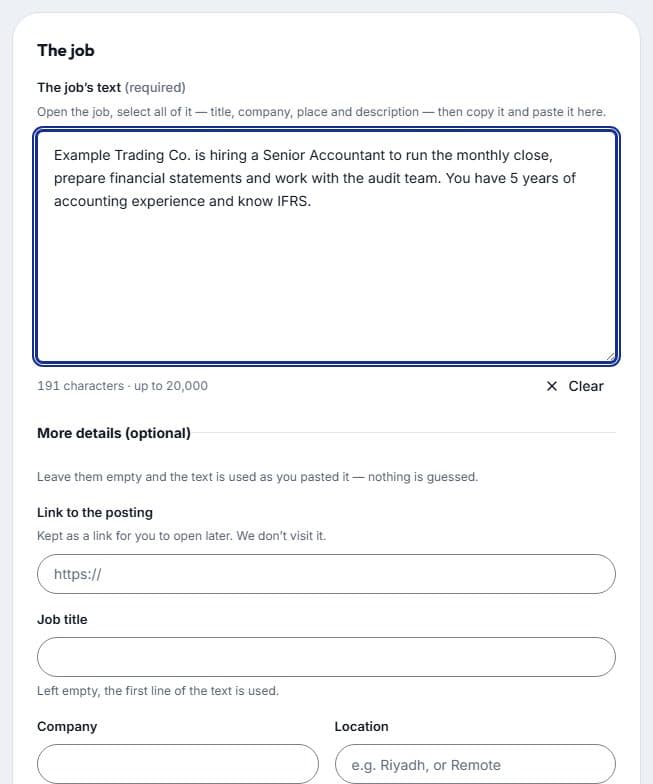
The job opens on its own page. Save it to My applications to follow it, and use the same tools on it as on any other job: tailor your CV, write a cover letter, check your CV and practise the interview.
It stays private
A job you paste is yours alone. It never appears in anyone else’s search, and you can delete it at any time.
You can add up to 20 jobs an hour and keep up to 200 pasted jobs.