Share links
Send a link, not an attachment
Turn on sharing and your CV gets its own web page, in the template you chose. Anyone with the link can read it, print it or save it as a PDF — and when you turn sharing off, the link stops working for good.
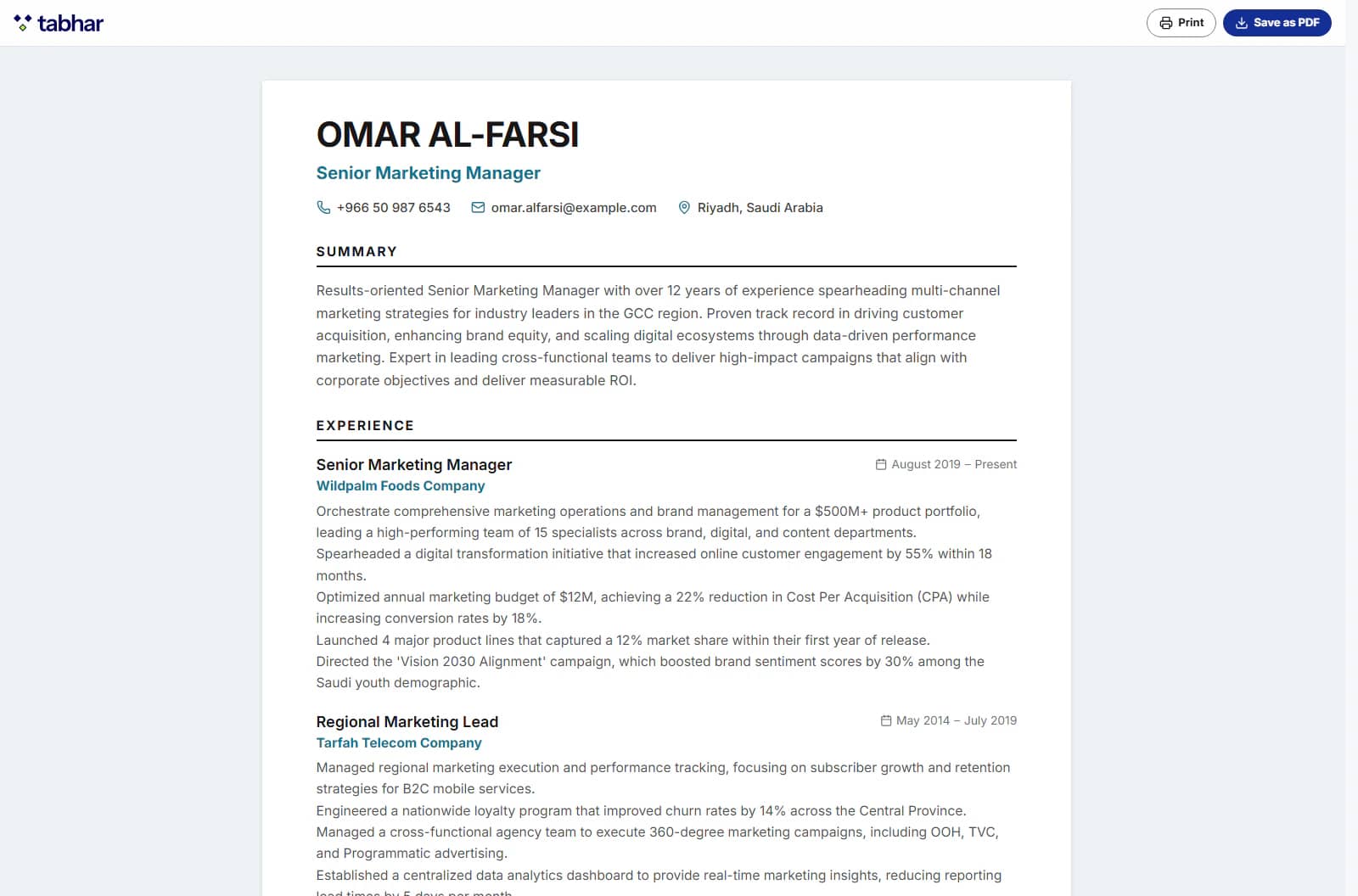
What the viewer sees
Your CV, read-only and in its template, with Print and Download PDF buttons that use the browser's print dialog. A small footer names Tabhar; it disappears when the page is printed.
You stay in control
Turn sharing off and the link ends for good. Turn it on again and you get a new link, so an old link never comes back to life.
Kept out of search engines
Shared pages ask search engines not to index them, so people reach your CV through your link — not through a web search.
How it works
Three steps
Open your CV and choose Share.
Turn sharing on and copy the link.
Send it — and turn it off whenever you like.
Which plans include it?
Every plan can share by link: the Free plan its one CV, and the Starter, Pro and Elite plans any of their CVs.
Compare plansGood to know
- There is no expiry date and no view counter: a link works until you turn it off.
Start with your own CV
Build your first CV free, in English or Arabic, and take it all the way to the interview — no credit card needed.